“Digital tools to strengthen communication between citizens from the Danube countries”

On the first day of the workshop, 22 July 2025, Sabine Geller introduced the participants to the topic of ‘storytelling techniques’ using the practical example of ‘Danube Confluence’. She explained how important it is to include detailed shots, to have a central theme in the interview as a point of orientation and to loosen up the content, for example with a funny question. The participants worked in five small groups and prepared their own interviews. Each group consisted of three to four people and represented the three nationalities. They researched their interview partners, collected person-specific questions and recorded some practice clips. The interviewees were Martin Ansbacher (Lord Mayor of Ulm), Carmen Stadelhofer (president of ILEU e.V.), Jana Pulli (federal volunteer from the Ulm Family Education Centre), Petra Schmitz (Managing Director of Local Agenda Ulm) and Helena Miller (member of ‘Die Grünen’ and Fridays for future). All of them are professionally or through their commitment connected to one or more SDGs, e.g. ‘4: Quality of education’ or ‘13: Climate action’. In the afternoon, the small groups interviewed their respective partners and shot close-ups of their workplaces. These recordings formed the basis for the next part of the workshop. Presentation in English Presentation in German
Chat GPT and Perplexity Qualification – Getting fit with AI

We extended a cordial invitation to our online training course “Introduction to Chat GPT” which took place on Monday, 28 April 2025, at 6:00 p.m. (CET). In this course, our colleague Gabriele Flemming explained the basics of using Chat GPT, a tool supported by artificial intelligence that could assist with many tasks—such as answering questions, translating, writing texts, learning, programming, and more. The course included information on how to use Chat GPT (e.g., how to create an account, the features of the free version, and the options and costs of the Pro version). It also covered ways it could be used in line with our project goals—such as researching participation opportunities, creating templates for letters, and translation. Additionally, the session provided information on possible alternatives to Chat GPT, such as Perplexity.
Getting Started with ViMA Danube – Online Platform Qualification for Active Participation

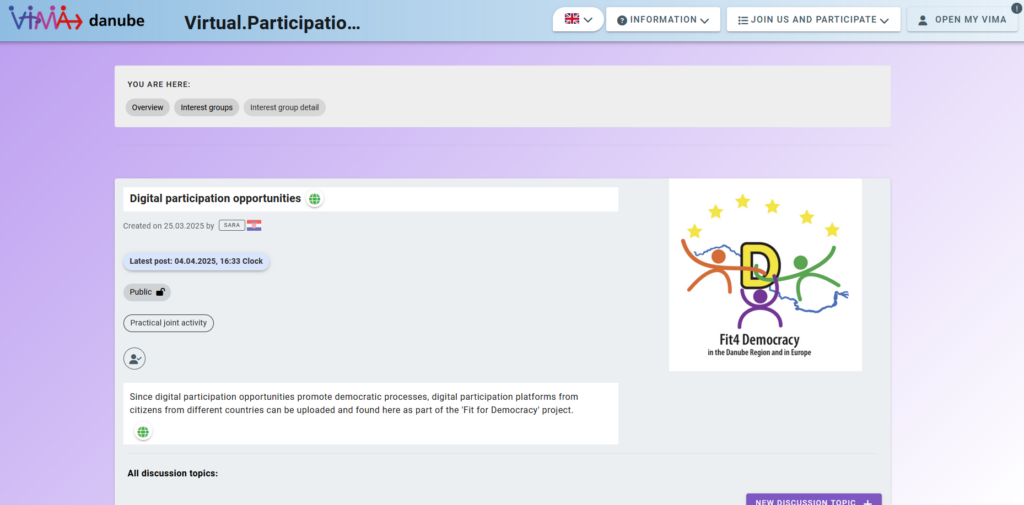
On April 1 and April 4, 2025, an introductory online qualification session was held via Zoom, focusing on the use of the ViMA Danube platform—an open, multifunctional space for networking, exchange, and collaboration across the Danube region. The training aimed to equip participants with the basic knowledge needed to confidently navigate the platform and become active contributors. The session began with an overview of ViMA Danube’s core mission: to connect citizens, initiatives, and organizations working for democracy, education, and cultural exchange in the Danube region. Participants learned how to create their own ViMA Danube account and explored the key features of the platform. Practical guidance was provided on how to use interest groups, discussion forums, and the search & offer section, helping participants understand how to find and contribute to relevant topics. The training also included basic platform handling tips to support ease of use and engagement. The event closed with a Q&A round, ensuring all participants had the chance to clarify their questions. Want to explore the platform? Visit vima-danube.eu/mitmachenUpcoming qualification dates are listed in our calendar Impressions from the qualification seminar
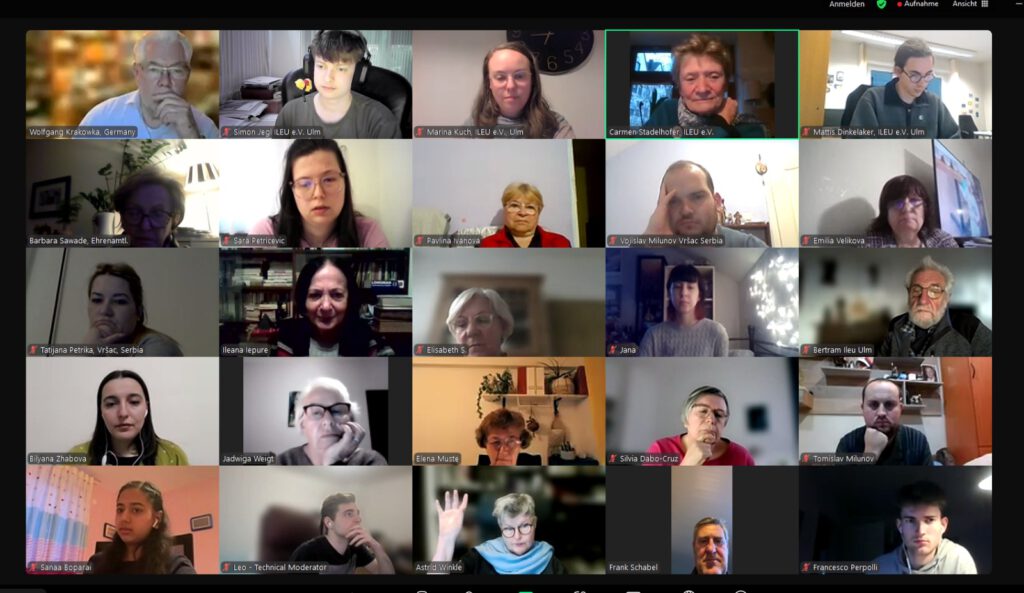
Zoom Qualification – Online Training for Democracy Education

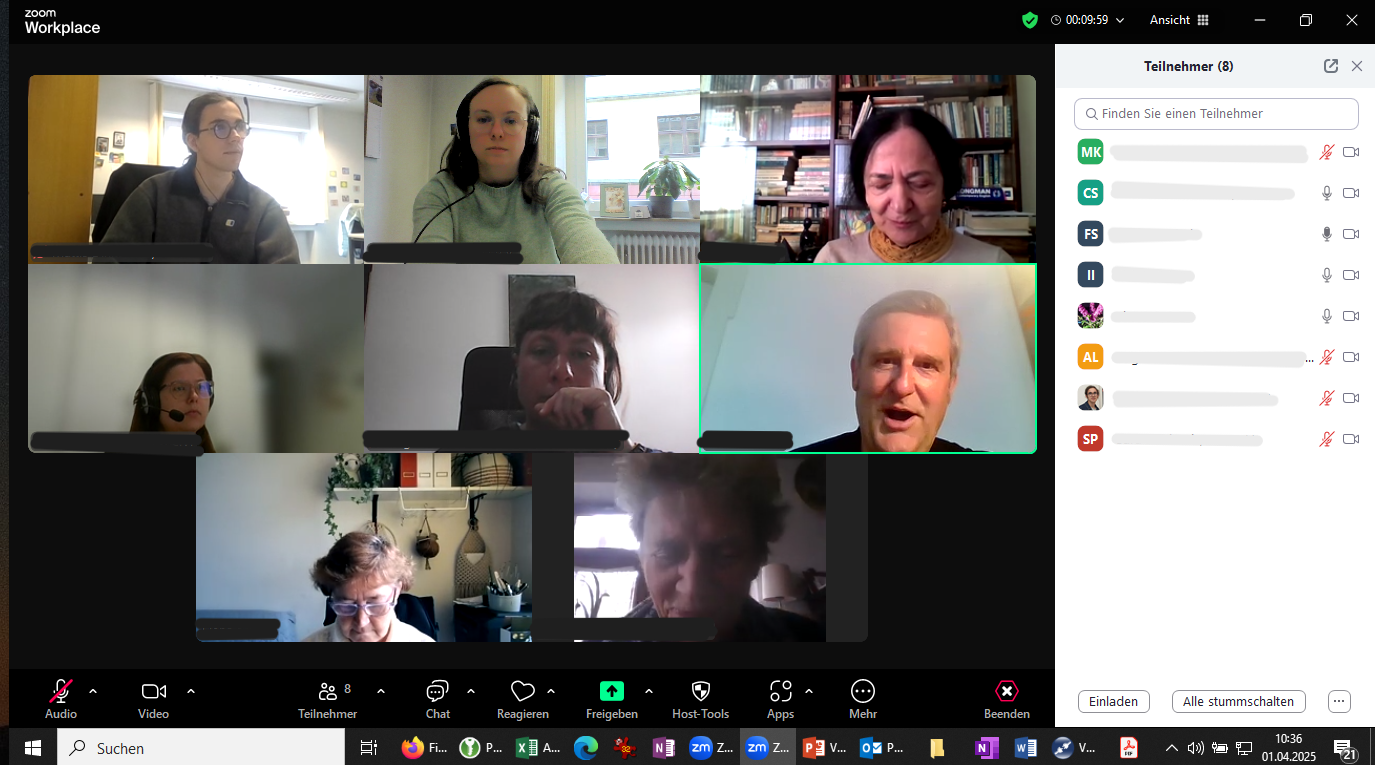
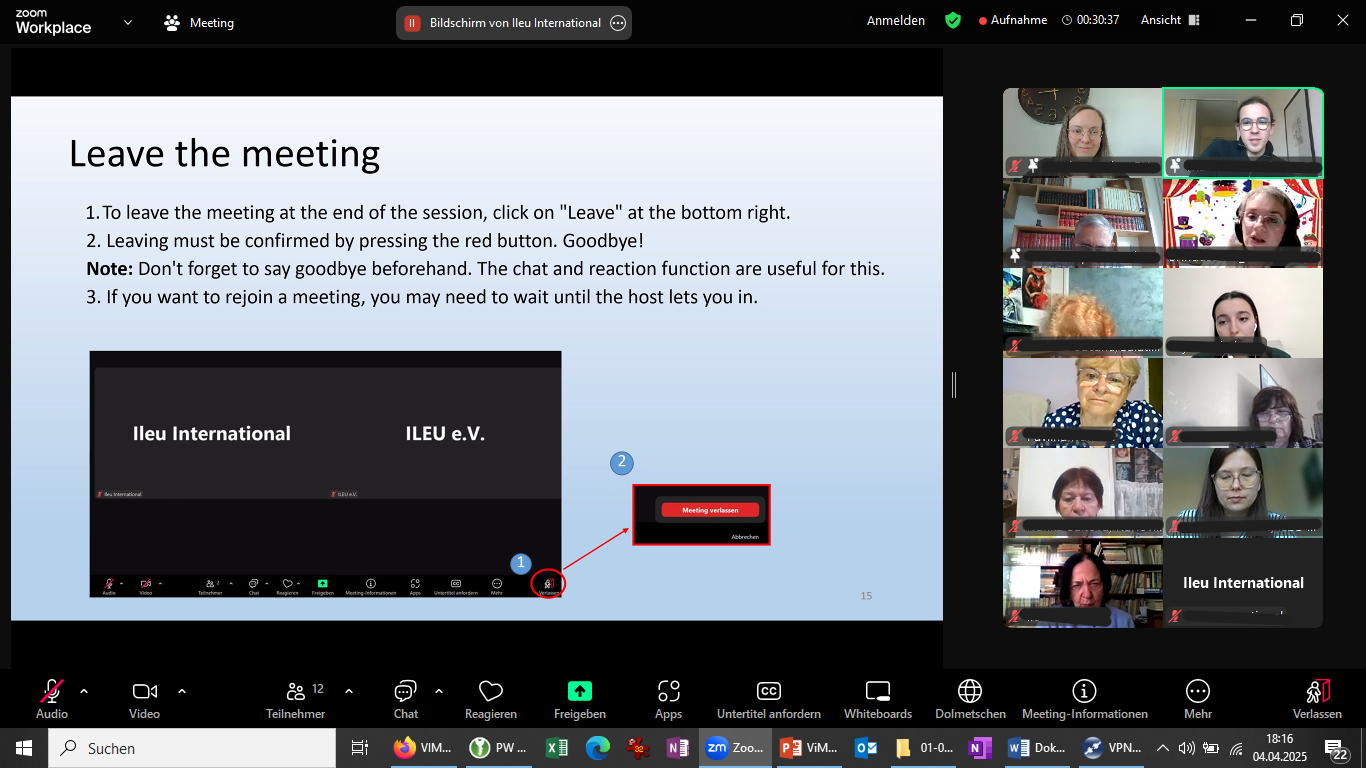
As part of our ongoing efforts to support digital tools in democratic education in the frame of the project “fit4democracy”, a two Zoom qualification sessions were held on April 1 and April 4, 2025. The online training welcomed participants from various countries and aimed to strengthen their confidence in using Zoom for inclusive, participatory events. The sessions covered both basic and advanced features of Zoom. Participants explored core functions such as managing audio and video, adjusting views, and using the “raise hand” feature to engage more actively in discussions. Building on this foundation, the training introduced additional tools like whiteboards for collaborative work, polls for gathering opinions, and breakout rooms for small group exchanges—ideal for interactive formats in democracy-related workshops. A special focus was placed on Zoom’s integrated interpretation function, which enables multilingual events and supports accessibility across language barriers. The training also provided time for participants to ask questions and share experiences, ensuring the content was tailored to their needs. You can access the presentation used during the session further down on this website.Find upcoming qualification dates and exciting new topics in our calendar. Zoom presentation from the session